> For the complete documentation index, see [llms.txt](https://whitepaper.lastodyssey.io/lastodyssey/llms.txt). Markdown versions of documentation pages are available by appending `.md` to page URLs; this page is available as [Markdown](https://whitepaper.lastodyssey.io/lastodyssey/4.-commander-assemble/the-3rd-warfare-obt-1.0-end/bind-your-wallet.md).
# Bind Your Wallet
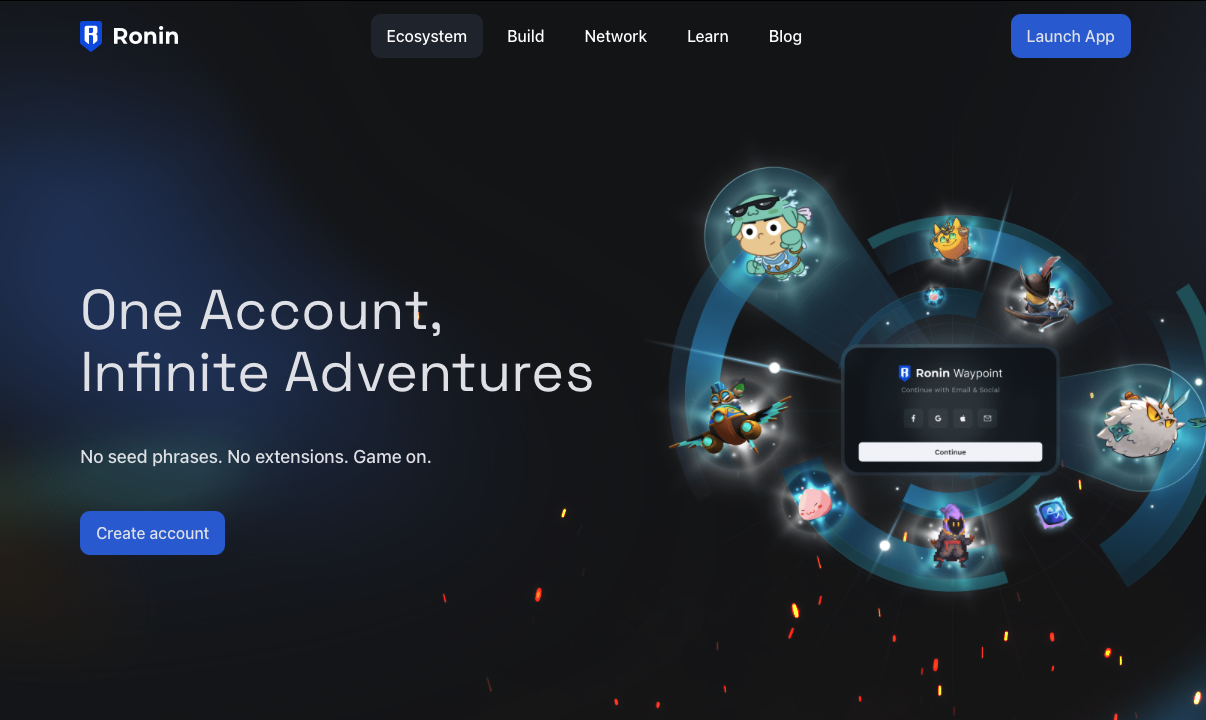
## **🔑 What is Ronin Waypoint?**
Ronin Waypoint is your **universal access point**—a keyless, social login wallet that lets you:
* Hold your **Awakened Hero NFTs**, **RON**, and **$ODY** tokens
* Sync game progress
* Unlock in-game features & website rewards
Create your ronin wallet Ronin Wallet is your boarding pass to our Awakened Hero NFTs.
*🧭 For setup help, follow the* [*Ronin Waypoint Setup Guide*](https://support.roninchain.com/hc/en-us/articles/27582309411227-Ronin-Waypoint-Setup-Guide)
## 🧙♂️ What roles does Ronin Waypoint play in Last Odyssey?
* **In-Game Wallet**: Ronin Waypoint serves as the official in-game wallet for *Last Odyssey*, integrating Awakened Hero NFTs, $RON, and Last Odyssey tokens seamlessly for in-game use.
* **Open Beta Test Functionality**: During the Open Beta Test, Ronin Waypoint will facilitate connections between the game and the OBT event page, enabling players to purchase items directly from the website.
## 🛠️ Mission: Onboard Yourself (3 Steps)
### STEP 1️⃣ – Create or Log In to Your Ronin Waypoint Wallet
* 🆕 New recruit? [Create your Waypoint](https://www.roninchain.com/waypoint)
* ✅ Already registered? Perfect—gear up for the next step!
### STEP 2️⃣ – Install the Game & Bind Your Wallet
#### **Download the Game:**
* 🤖 Google Play:
* 📁 APK Download:
Google Play
APK Download
Once Inside:
1. Enter your Guaranteed Key
2. Finish the 2-min tutorial (or skip if you’re a veteran)
3. Tap your avatar (top-left) → **Account** → **Login with Ronin Waypoint**
4. Log in using your social credentials from Step 1
5. Confirm binding and claim your **first reward**
### STEP 3️⃣ – Activate Your Open Beta Test Page
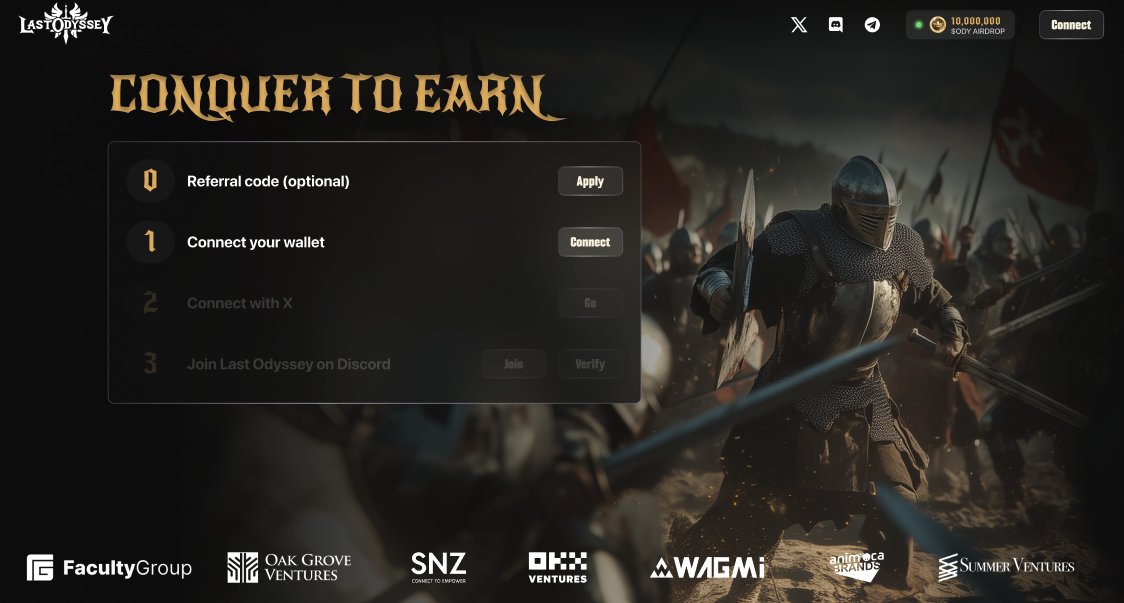
1. Head to [Last Odyssey Official Website](https://lastodyssey.io)
* **Existing User:** Connect your EOA wallet (MetaMask, Ronin, etc.)
* **New User:** Sign up → Connect Wallet + X + Discord
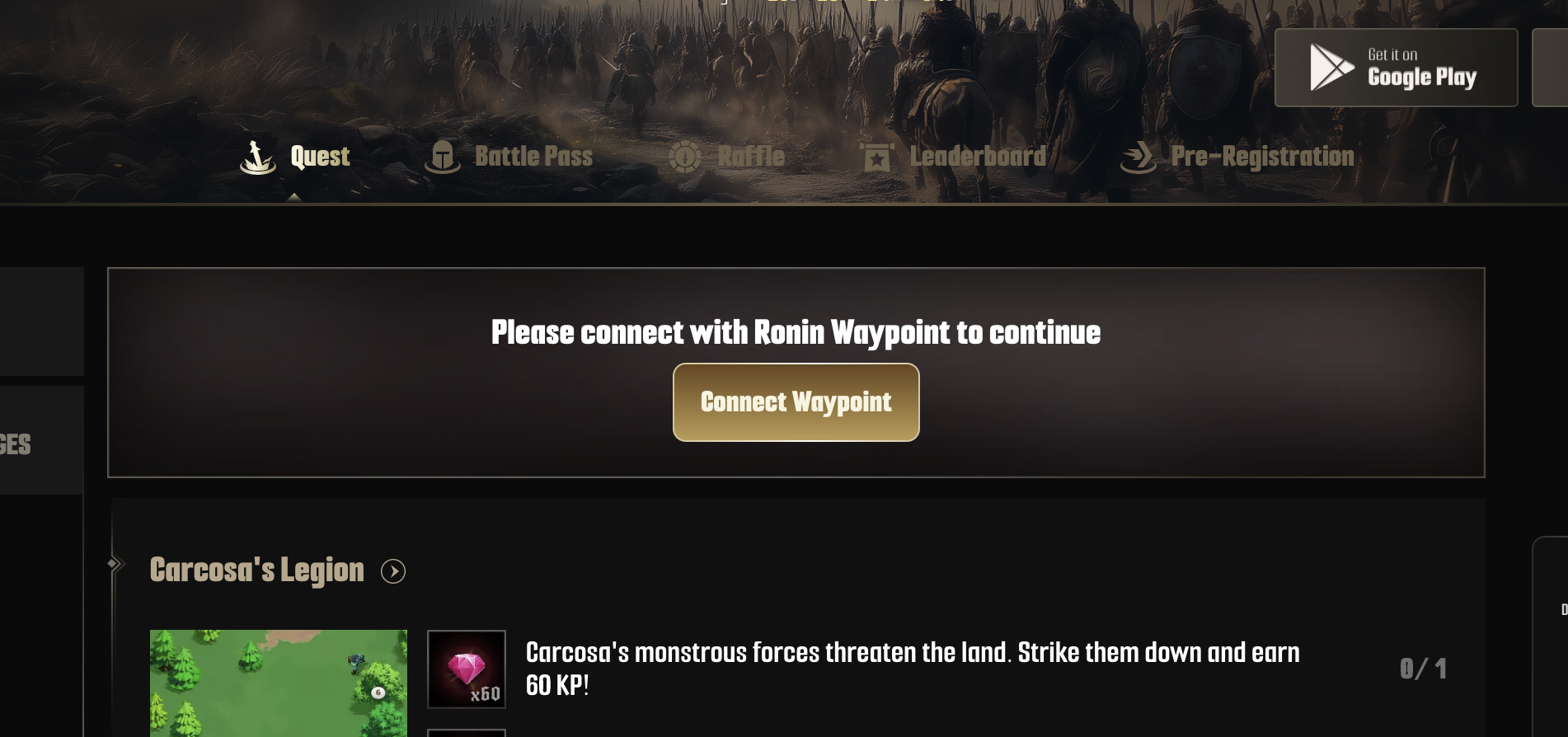
2. Click \[**Connect Waypoint]**. Then log in with the same Ronin Waypoint
3. Double-check your user ID & wallet → Hit **Confirm**
*⚠️ **This binding is irreversible** — check carefully, commander!*
Now you're fully equipped to enter the battlefield. Sync your wallets, prep your loadouts, and join thousands of commanders in the fiercest test yet!
#### **See you in Middangeard. Glory awaits. ⚔️**
.png?alt=media&token=99acf8f4-bbba-46e9-a024-d8a0865f19d2)
.png?alt=media&token=c8cf9670-a2f9-495c-aff7-dbccf249af86)
.png?alt=media&token=d8144a04-4e20-47e9-9cc1-0e7ffbe2de49)
.png?alt=media&token=75d4d7f8-5516-424c-ac9a-1228eaec7040)
.png?alt=media&token=b73681a8-a0e8-4786-91d3-3431bdc9e032)